v2.14November 25, 2026
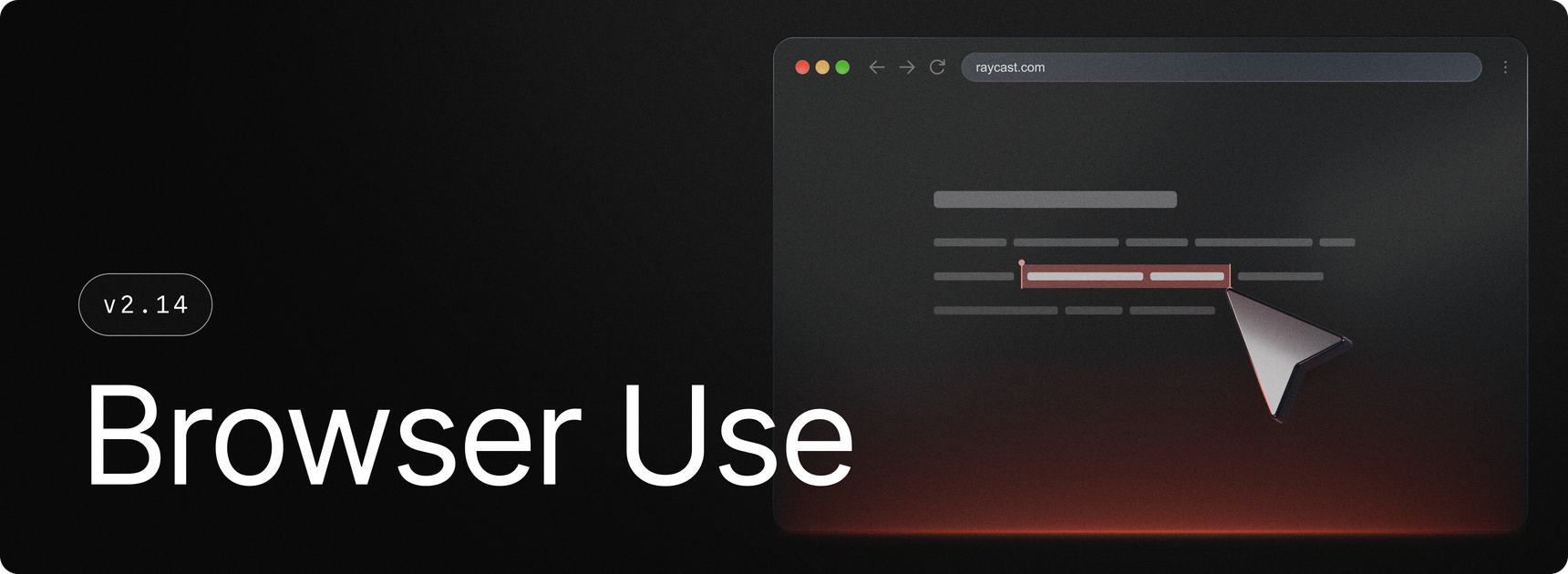
Raycast AI can now use your browser. Ask it to open a page, fill in a form or pull information from your tabs, bookmarks and history, and it takes over the tab and gets it done in the background. Browser Use works in Chrome, Firefox and Safari, with the version 2.0 of the Raycast browser extension.
✨ New
- Hotkeys: Added Suggested Hotkeys to Settings → Shortcuts, which suggests hotkeys for the commands you use most. Add them all at once or dismiss the section
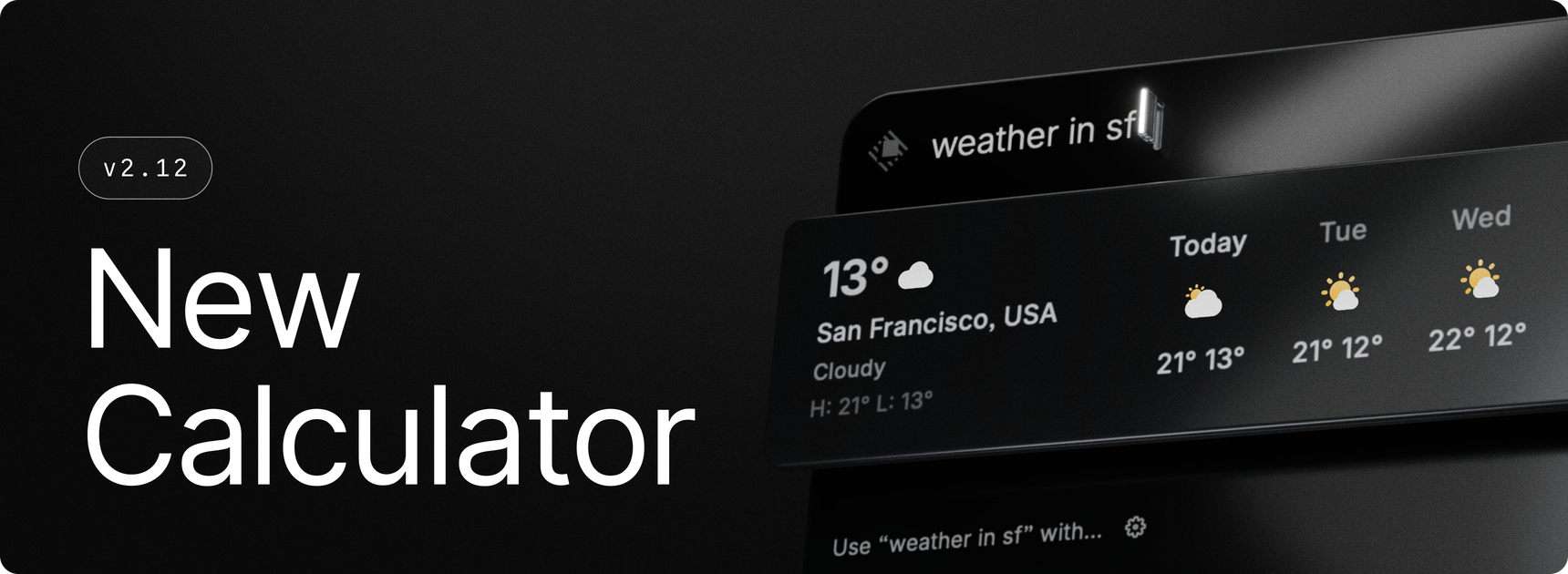
- Settings: Added General → Region to set your location, temperature unit and currency, which the Calculator uses for queries like
weather here - Snippets: Import your snippets from macOS Text Replacements and Alfred, from the empty Snippets list or the Import Snippets command
- AI: Members of a Teams organization can now find Add Company Models in the AI Chat and Quick AI model pickers, which explains how to bring your company's models
- AI Chat: Mention your open browser tabs in a message to give the chat their content
- AI Extensions: Added AI Commands, so Raycast AI and apps connected to the Raycast MCP Server can list, create, update and delete your AI Commands
- AI Extensions: Added Changelog, so your agent can read Raycast's release notes and tell you which updates are useful to you
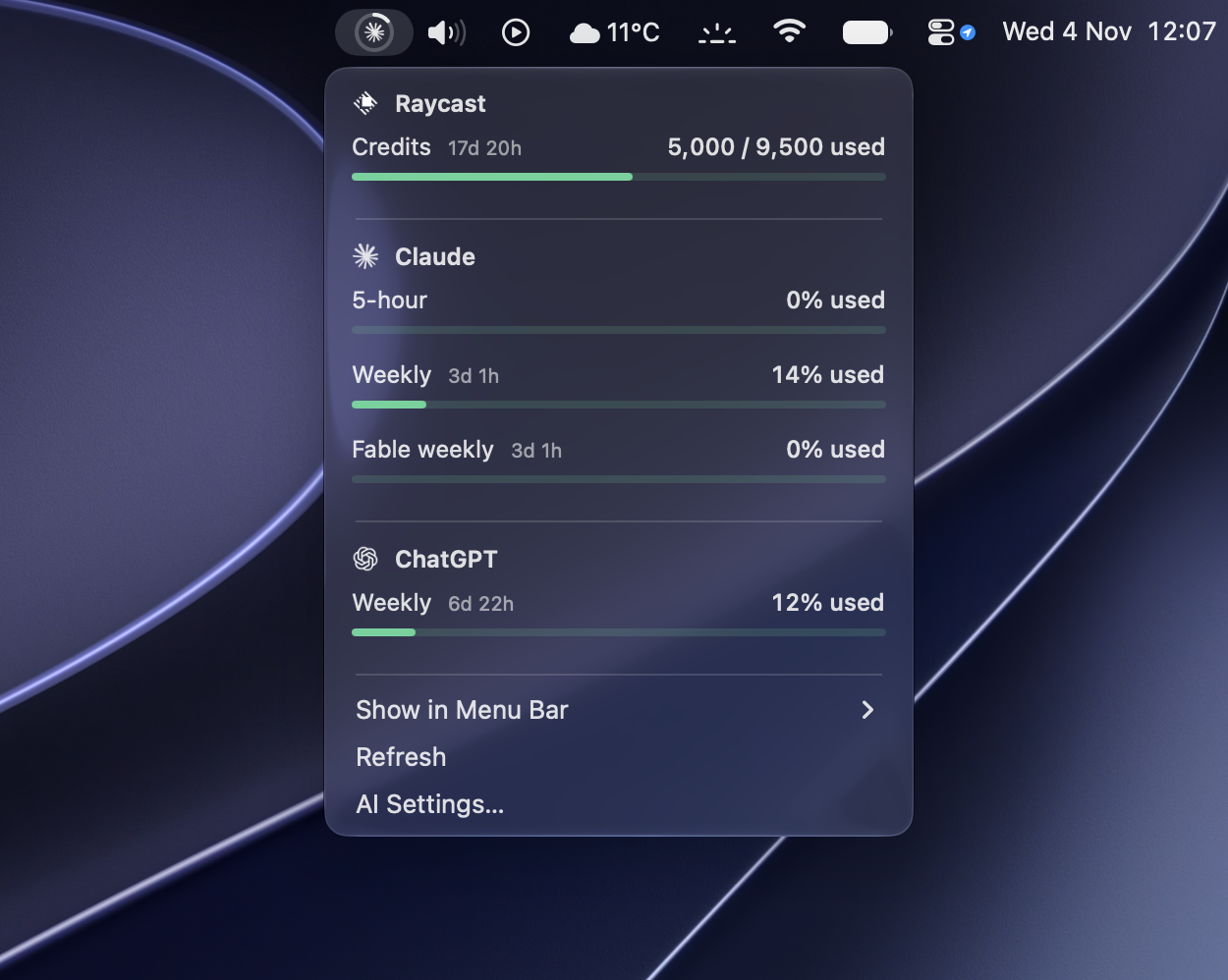
- AI Usage: Added Upgrade Plan and Top Up Credits to the AI Usage menu bar item
- Bring Raycast to Your Team: New command to create an organization, copy a security overview, open the Enterprise page or book a call. Find it by searching terms like
sso,scimorenterprise - Browser: Added Blocked Websites to Settings → Extensions → Browser, so Raycast AI and apps connected to the Raycast MCP Server can't read or control those websites or their subdomains
- MCP: Added one-click setup for fx in Settings → MCP → Raycast MCP Server
- MCP: Servers can now ask you for missing details or a confirmation while a tool runs, with a form in the chat composer
- Root Search: Added Add to Fallbacks, Remove from Fallbacks and Move Up or Down in Fallbacks to the action panel, so you can manage fallback commands without opening Settings
- Settings: Added the Introducing Raycast MCP tutorial video to Settings → MCP
💎 Improvements
- Account: Root Search now warns you when your card has expired or is about to, so you can replace it before your plan renews
- AI: When you run low on credits, Raycast now offers a plan upgrade before or alongside a top-up if your plan can be upgraded
- AI Chat: Dragging a chat onto a sidebar destination now gives haptic feedback
- AI Chat: HEIC and HEIF photos you attach, like those from an iPhone, are now sent as images that models can see and edit
- AI Chat: Archiving or deleting the open chat now selects the next chat in the same sidebar group
- AI Chat: New Chat now starts in the project of the last chat you started, or without a project if you started that chat without one
- AI Chat: Typing
forkin the action panel now finds Branch Chat - Applications: Raycast now recognizes more browsers, like ChatGPT Atlas, Perplexity Comet and more Brave and Opera channels, in Quicklinks, Dictation and Calendar
- Browser: AI now explains how to fix a browser connection problem instead of showing a vague error
- Calculator: Follows changes to your region and number format in System Settings without restarting Raycast
- Calculator:
contrastandmixno longer need a word between the colors, likecontrast #fff #12F999ormix red blue - Calculator: Lowercase
candfnow show °C and °F in results, so20c in fgives68 °F - Clipboard History: Captures copies more reliably, including Universal Clipboard copies that were sometimes missed
- Dictation: AI now saves dictation styles for the apps you have installed instead of failing when it guesses an app you don't have
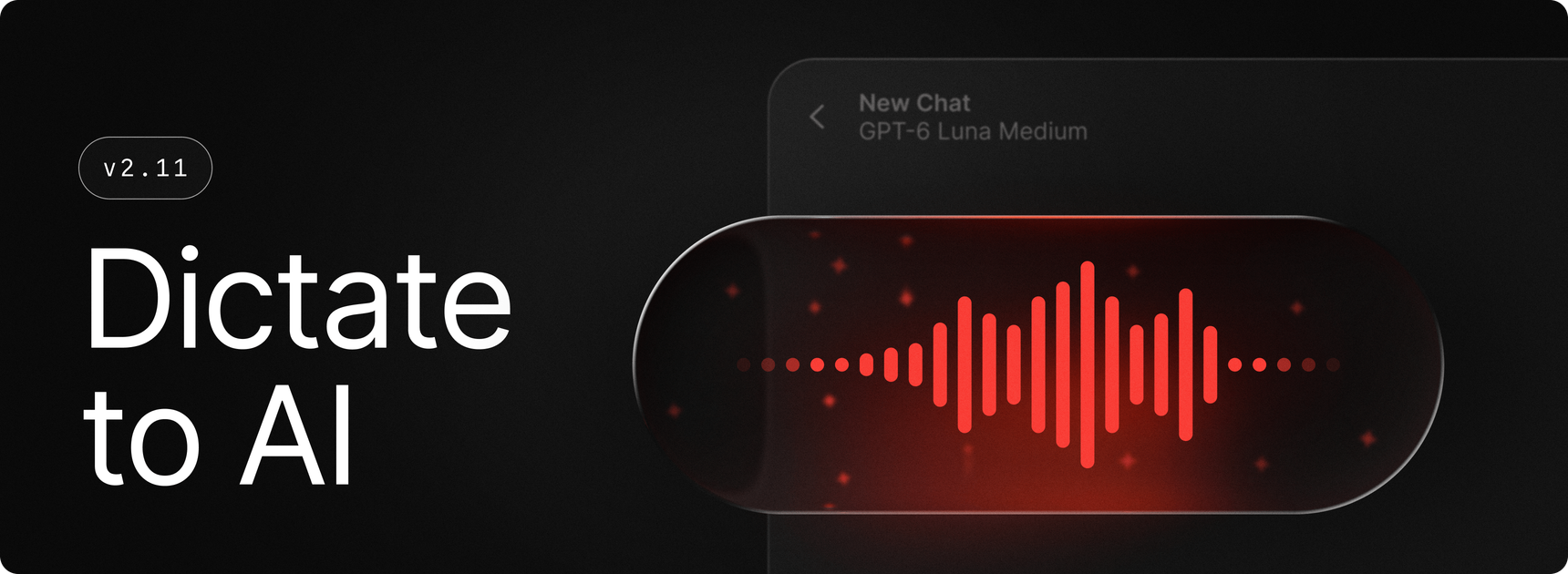
- Dictation: The HUD waveform keeps its default color when you use a custom theme
- Focus: Website blocking now supports the Ardia browser
- Focus: The session countdown in the floating panel and the menu bar now updates every second
- MCP: Shared Extensions in Settings → MCP → Raycast MCP Server now marks local development extensions, so you can tell them apart from the Store version
- Memory Usage: Raycast does less work in the background when you switch apps, using less memory and CPU
- Organizations: Managers of organizations with 20 or more members can now see what Enterprise adds in the organization's settings
- Organizations: Snippets, Quicklinks and AI Commands now offer Share with Your Team when you're not in an organization, and the empty Organizations views explain Raycast for Teams
- Performance: Raycast stays more responsive while your Mac is busy, like during builds
- Raycast Settings: AI can now list the models for AI Chat, Quick AI and AI Commands with where each one comes from, and turn models on or off like in Manage Models
- Root Search: Apps no longer match a search through scattered letters in their bundle ID or path, like
claufinding AirPort Utility - Root Search: Improved ranking so a longer search like
obsifinds Obsidian ahead of an app you usually open withobs - System: Raycast now asks for and walks you through the new app protection permission in macOS 27.3
- Translator: Text that's already in the target language is now translated into the language you last translated from, or into English
- Window Management: The grid overlay now matches your display's aspect ratio and follows the frontmost app
🐞 Fixes
- AI Chat: Fixed toolbar buttons overlapping the title after resizing and then toggling the sidebar
- AI Chat: Fixed
⌘ + 0resetting the zoom to Actual Size instead of selecting the 10th chat - Calculator: Fixed dates with a two-digit year, like
today - 11/04/26, being calculated as a division - Calculator: Fixed durations counted from a clock time, like
115 minutes after 11:00, giving no result - Emoji Picker: Fixed a performance regression when loadding
Search Emoji & Symbols - Extensions: Fixed grey outlines flashing for SVG icons in list views
- File Search: Fixed a search ending in
/, likefoo/, not finding matching folders that are deeply nested or haven't been opened recently - MCP: Fixed signing in to an MCP server, like Sentry, failing with a connection error when the sign-in link was opened a while later
- Raycast Settings: Fixed AI offering to change settings that Settings hides for your build or platform, like Tidy Menu Bar
- Send Feedback: Fixed sending failing when an attached file, like a screenshot thumbnail, was moved or deleted before you submitted
- Settings: Fixed the tutorial video button not lining up with the other toolbar buttons
- System: Fixed Raycast freezing when macOS was slow to report your location, and location lookups failing when the city name couldn't be found in time
- System: Fixed restarting Raycast failing after the app was replaced on disk, including from Restart Raycast in the menu bar
- Updater: Fixed updates failing when your account lost administrator access while Raycast was running, and Raycast now explains what happened
- Window Management: Fixed moving a window to another Space by dragging it with the mouse, and the grid overlay sometimes picking the wrong window or not responding to drags